Angular Material - Layouts
Use the legacy layout directives to build responsive rows, columns, and spacing.
How it works
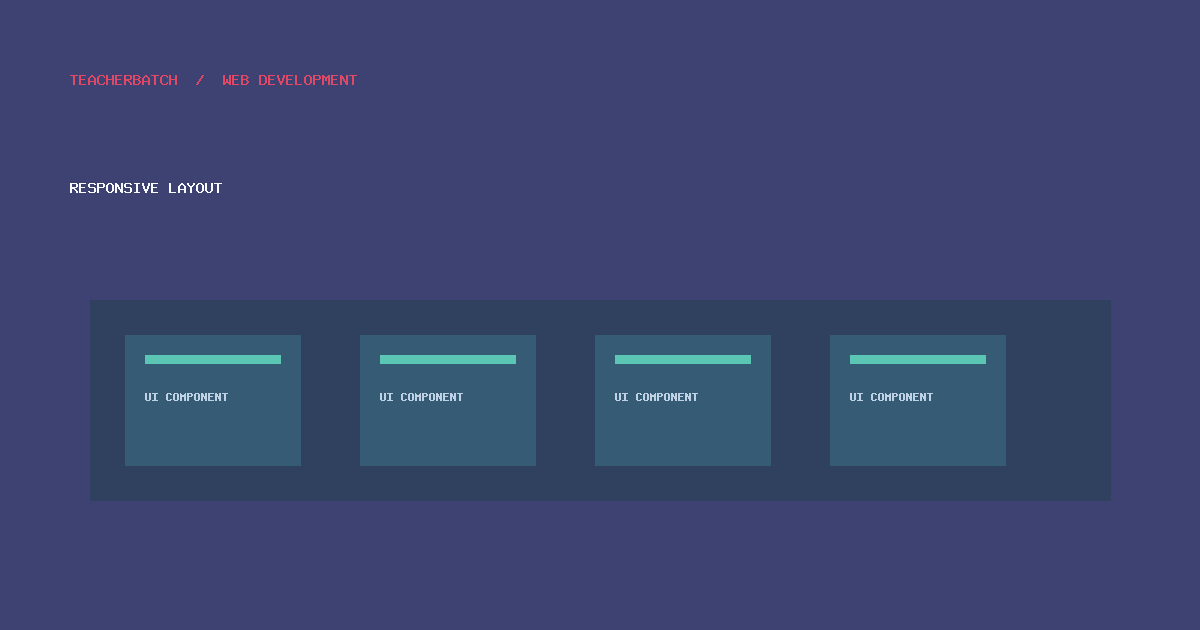
AngularJS Material layout attributes provide Flexbox-based responsive layout helpers. Use breakpoints deliberately, keep DOM order meaningful for assistive technology, and verify behavior at narrow widths. For new Angular work, use the layout tools recommended by the current Angular ecosystem rather than copying legacy attributes.
Practical checklist
- Confirm whether the application uses AngularJS Material 1.x or modern Angular Material for Angular v2+.
- Use meaningful labels, keyboard-accessible interactions, and visible focus states.
- Test responsive behavior, validation, and assistive-technology output.
- Review dependency support and security before maintaining a legacy deployment.
Further reading: Tutorialspoint: Angular Material - Layouts · AngularJS Material legacy documentation · Current Angular Material documentation.
Back to course overview · Previous: Angular Material - Widgets · Next: Angular Material - Inputs