Angular Material - Grids
Arrange related cards or data in a responsive grid list.
How it works
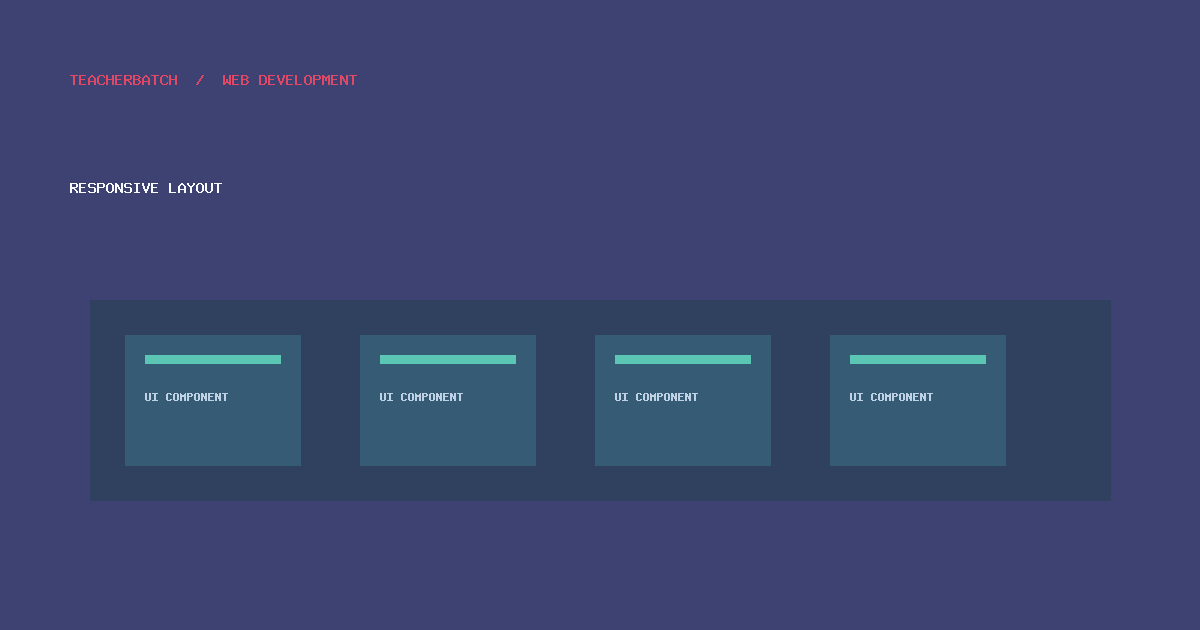
Grid lists align repeated tiles into rows and columns. Choose a column count that preserves readable content, maintain a logical DOM order, and allow items to reflow on small screens. Do not use a visual grid where the information is inherently tabular; use a data table instead.
Practical checklist
- Confirm whether the application uses AngularJS Material 1.x or modern Angular Material for Angular v2+.
- Use meaningful labels, keyboard-accessible interactions, and visible focus states.
- Test responsive behavior, validation, and assistive-technology output.
- Review dependency support and security before maintaining a legacy deployment.
Further reading: Tutorialspoint: Angular Material - Grids · AngularJS Material legacy documentation · Current Angular Material documentation.
Back to course overview · Previous: Angular Material - Icons · Next: Angular Material - SideNav