Application Architecture
Every CodeIgniter request enters through a single front controller, is matched to a route, passes through filters, and ends in a controller that builds a response. Understanding that path makes the folder layout much easier to remember.
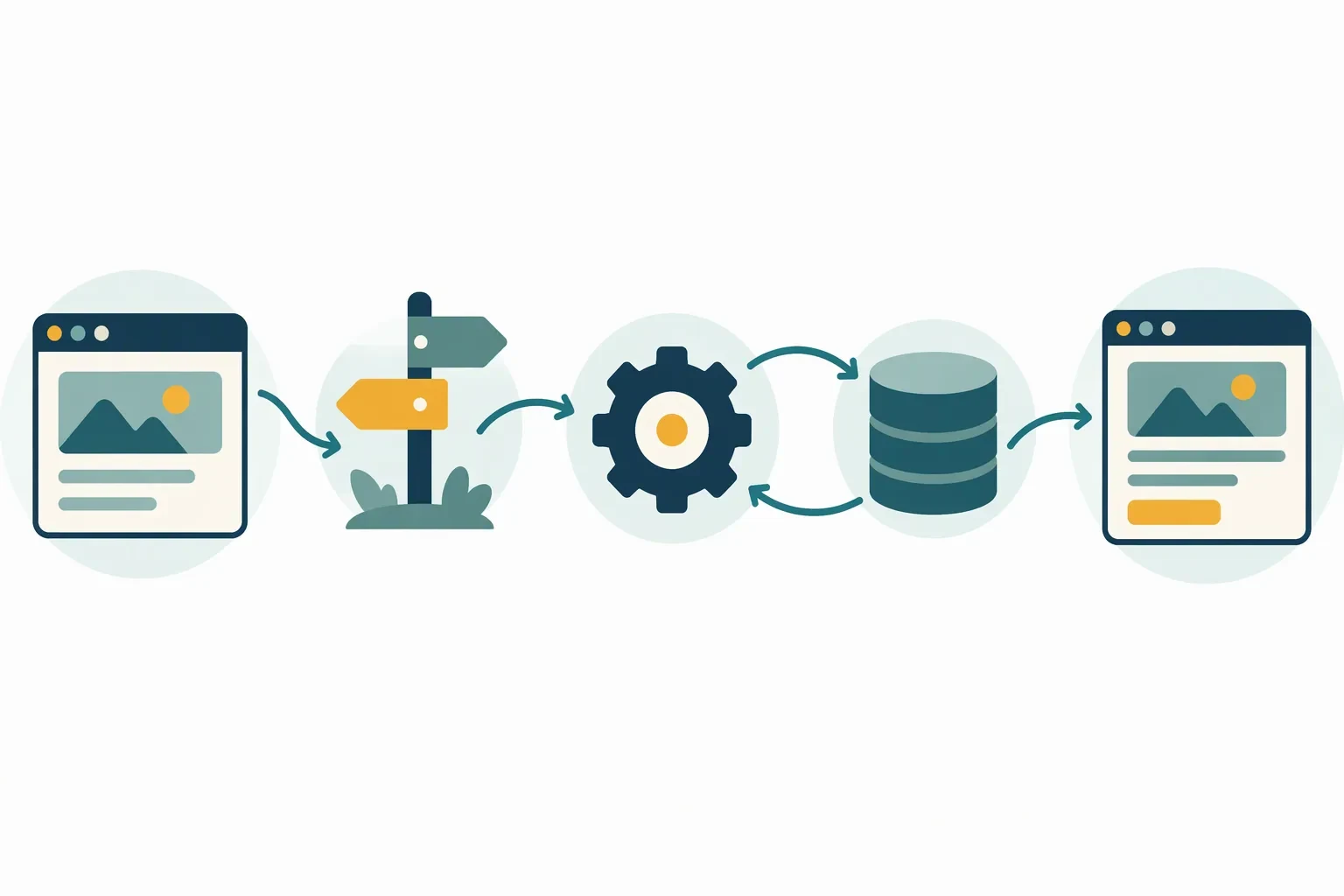
The request lifecycle
public/index.phploads the framework and starts the request.- Configuration and services are initialised for the current environment.
- The router matches the URL to a controller method.
- Global and route filters run, for example authentication or CSRF checks.
- The controller coordinates models, services, and validation.
- A view or JSON response is returned to the browser.
Top-level folders
app/        Controllers, models, views, config, filters, helpers
public/     The web root: index.php and public assets
writable/   Logs, cache, sessions, uploads
vendor/     Composer dependencies
tests/      Automated tests
.env        Environment-specific settings
Only public should be exposed by the web server. Everything else stays outside the document root.
Inside the app folder
- Controllers handle requests and responses.
- Models represent tables and data rules.
- Views contain templates and partials.
- Config holds routes, filters, database settings, and application options.
- Filters run logic before or after controllers.
- Helpers contain small reusable functions.
- Libraries contain reusable classes that are not models.
- Database stores migrations and seeds.
Namespaces
Application classes use the App namespace. A file at app/Controllers/Admin/Reports.php declares namespace App\Controllers\Admin;. The folder path and namespace must match, or the autoloader will not find the class.
Back to course overview · Previous: Installing CodeIgniter · Next: MVC Framework